 Vela
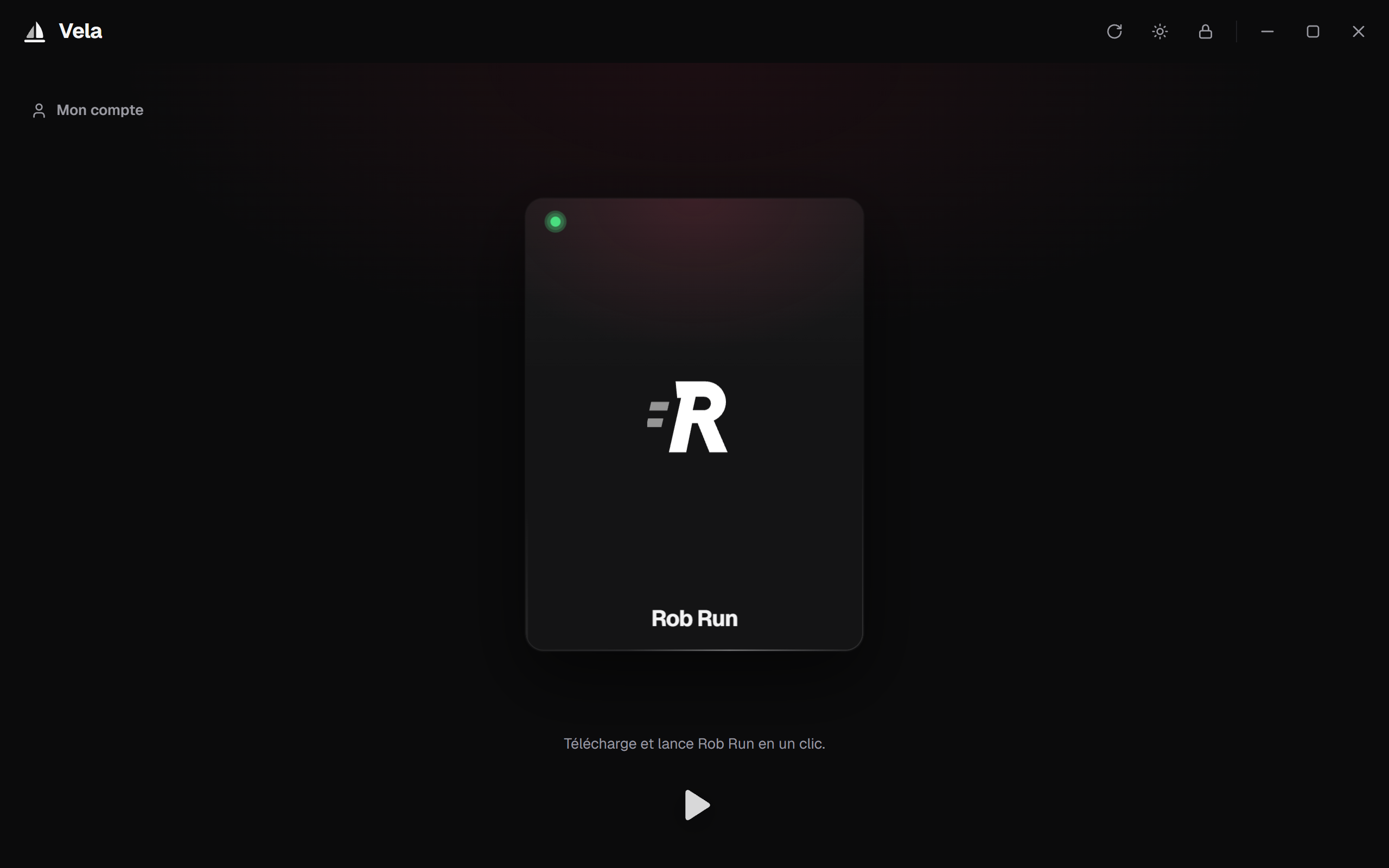
Vela brings one application per game, each with its own advantages. Pick the game, press Start: Vela downloads everything and launches it.
Using Vela means you agree to the Terms of Service.
One application for every game
Built for playing, not tinkering
Every game gets its application.
Rob Run is available; R6, FiveM, GTA, Fortnite, Valorant and Minecraft are coming. Each application has its page, live status and advantages.
One click and it's running.
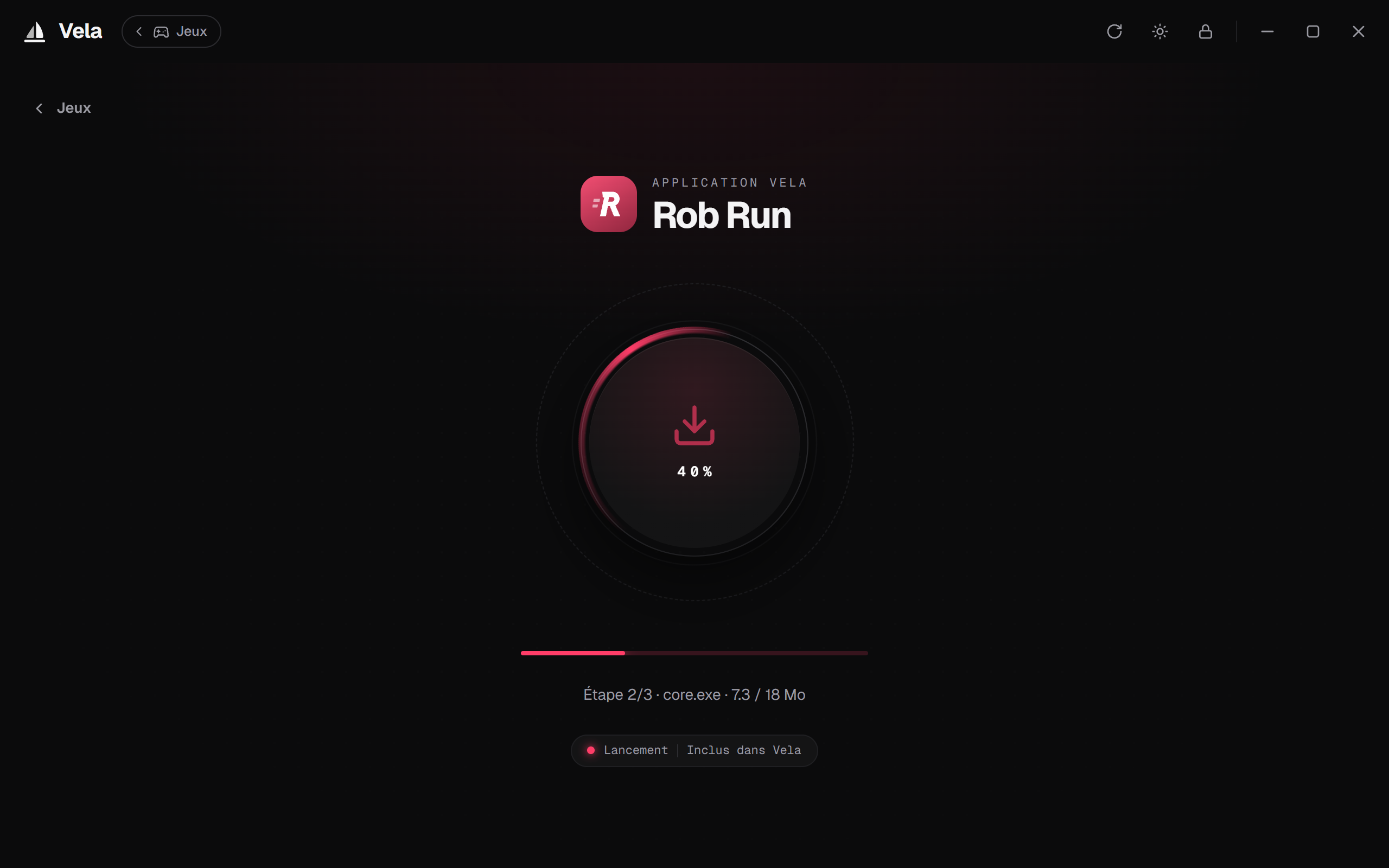
Vela checks your pass, downloads the application's files into one folder and starts the main program. Next time, only updates are downloaded.
Your account, your key.
No free accounts: a VELA key creates your account, a new key extends your pass. Link Discord to get your subscriber role.
Status
Live status.
See Vela in action.
The real flow: pick the game, press Start, play.
Start
Pricing
One pass. Every game.
The Vela Pass unlocks every application, with new games added at no extra cost.
- Every Vela application
- New games included
- One-click launch
- Automatic updates
- Priority support on Discord
- 1 linked PC
Why Vela
One pass instead of a pile of tools.
Ready to play?
See the Vela PassGuides
Get started with Vela.
Join the community.
New game announcements, support, giveaways: it all happens on the Vela Discord.
21 online · 1,039 members
Frequently asked questions
What do I get with the subscription?
Access to every Vela application: one per game, with its advantages. Rob Run today; the next games will be added to your subscription at no extra cost.
How do I buy?
On our Discord, open a “Purchase” ticket. You receive a VELA-XXXX-XXXX-XXXX-XXXX key valid for 30 days.
Can I create a free account?
No. A Vela account can only be created with a subscription key. In the app or on this site, click “Create an account” and paste your key.
How do I extend my subscription?
Buy a new key, then in the app open My account and paste it in “Activate a key”. The days are added to the ones you have left.
How is a game launched?
In Vela, pick the game and press Start. Vela downloads the application's files into one folder, then starts the main program. Next time, only the updated files are downloaded again.
Can I use Vela on several PCs?
A subscription is linked to 1 PC. To switch PCs, contact support on Discord and we free the old one.
What happens when the subscription ends?
The applications no longer launch. Your account stays: activate a new key to get access back.